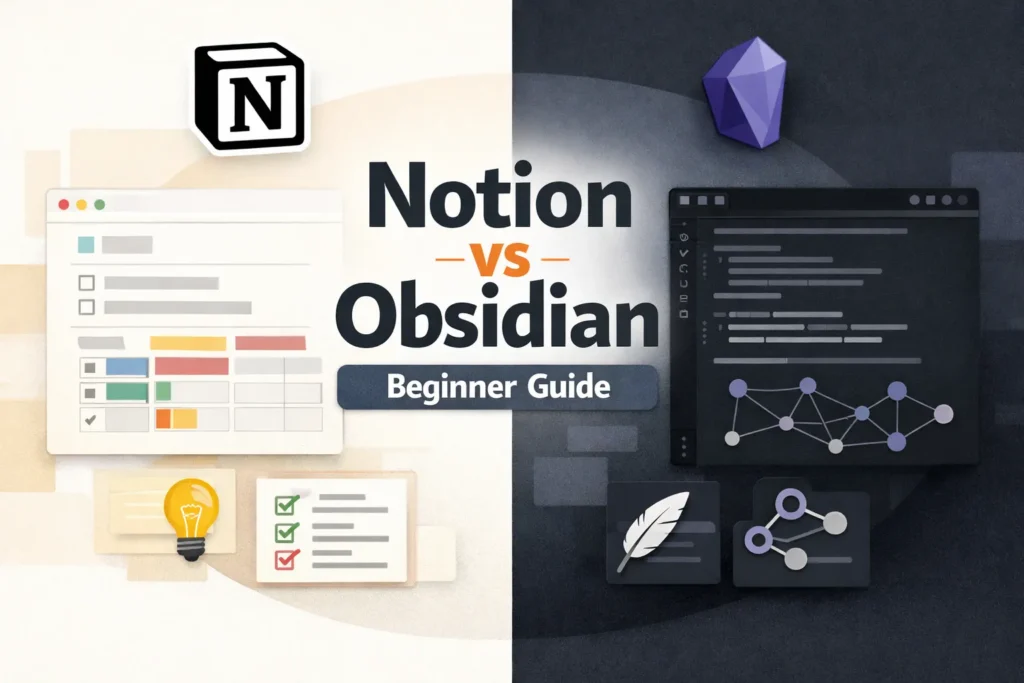
If you are new to note-taking apps, the Notion vs Obsidian debate can feel confusing. Both are popular in 2026. Both promise better organization, clearer thinking, and improved productivity. But they work in very different ways, and one may fit your mindset much better than the other.
In this article, we will compare Notion and Obsidian, discussing their features, advantages, disadvantages, and which one is right for whom. If you’re confused about which one to choose, this will help you.
Notion vs Obsidian: Simple Comparison for Beginners
| Feature | Notion | Obsidian |
| Main use | Planning & organization | Thinking & note-taking |
| Getting started | Very easy | Takes some time |
| Writing style | Visual, block-based | Plain text (Markdown) |
| Note system | Pages & databases | Linked notes |
| Offline use | Weak | Full support |
| Data control | Company servers | Your device |
| Speed | Medium | Fast |
| Team collaboration | Strong | Weak |
| Internet required | Yes | No |
| Best for | Students, planners | Writers, thinkers |
| Free plan | Yes (limited features) | Yes (core features included) |
What Is Notion?
In simple words, Notion is similar to Google Docs, but here you can structure your writing the way you prefer. That’s why it feels like more than just a document editor and works as a complete workspace.
Here everything is organized into small blocks, such as text, headings, lists, or tables. You can move these blocks around easily, which makes creating and understanding pages much easier.
You can use it to write notes, plan projects, manage tasks, create a database, track habits, and even run a small business. The visual layout is simple and clear.
What Is Obsidian?
When it comes to Obsidian, it is a notes app that focuses more on writing and thinking. It is made for people who want to do more than just save their notes and actually understand them.
Obsidian uses Markdown, which is a simple writing format. Notes are written just like normal text. The main strength of Obsidian is linking written notes to each other.
Obsidian feels more like a personal knowledge system than a workspace. It is designed for long, distraction-free writing and idea generation.
Ease of Use for Beginners
For those using Notion for the first time, it will feel easy to get started. You just need to sign up, open a page, and start typing. Its drag-and-drop interface and pre-built templates are clean, modern, and user-friendly.
Obsidian looks simple, but it is more advanced than it seems. You can write basic notes from day one, but learning things like Markdown, backlinks, and the graph view takes some time. Obsidian works best for people who are okay with a short learning phase.
Offline Access and Data Ownership
Notion’s offline mode is limited; it works better when you are online. This can be a drawback because your data is saved on Notion servers, and some people may not like that.
Obsidian works completely offline. Your notes are saved on your local device. If you need full offline access or have limited internet connectivity, Obsidian is a better option.
Customization and Plagins
Notion provides ready-made templates and simple customization options. It’s easy for beginners. You can design dashboards that look the way you want, but it offers limited flexibility for more advanced features.
Obsidian offers a lot of customization through plugins. If you want to build advanced workflows, use backlinks, or create a personal knowledge network, Obsidian is a better option.
Collaboration and Sharing
When it comes to collaboration, Notion works well. Sharing pages, working with teams, adding comments, and managing permissions are all easy. This makes Notion a good fit for students, teams, and businesses.
Obsidian is primarily designed for solo note-taking. If you mostly take notes for personal use, Obsidian is a good choice. Team collaboration is not its main focus.
Performance and Speed
Notion can feel slow when pages become very large or complex. Because it depends on internet connection, performance can vary.
If speed matters to you, Obsidian feels light and fast. Notes open instantly since everything is stored locally, and even large note collections run smoothly.
Pricing in 2026
Notion offers a generous free plan for individuals. Paid plans are mainly for teams and advanced features.
Obsidian is free for personal use. Paid plans are optional and mostly related to syncing and commercial use.
For beginners, both are affordable. Cost is not a major deciding factor unless you need team features.
Notion – Pros and Cons
Pros
- Very easy to get started, no technical knowledge required
- Notes, tasks, and planning can all be managed in one place
- The visual layout is easy for beginners to understand quickly
- Great for teamwork and sharing
- Ready-made templates help save time
Cons
- Offline use is not very reliable
- The app can feel slow when the internet connection is slow
- With too many pages, it can start to feel cluttered
- Your data is not fully under your control
Obsidian – Pros and Cons
Pros
- Notes are stored on your own device
- Works fully offline
- Very fast, even with large note collections
- The linking system is strong for long-term learning
- Clean and distraction-free writing experience
Cons
- Has a learning curve for beginners
- Markdown and linking take time to understand
- Built-in collaboration is limited
- Initial setup can feel a bit confusing
Notion vs Obsidian: Which One Should You Choose?
Choose Notion if you want an easy start, visual structure, collaboration, and an all-in-one workspace.
Choose Obsidian if you care about long-term thinking, offline access, speed, and full ownership of your notes.
If you are still unsure, start with Notion for one month. Use it for daily notes and planning. Pay attention to how it feels.
Then try Obsidian for one week. Write simple notes and link a few ideas. Your preference will become clear very quickly.
If you want to explore these tools further, you can check the Notion official beginner guide and the Obsidian official beginner documentation to understand how their core features work.
FAQ
Is Notion better than Obsidian for beginners?
Yes, Notion is easier for beginners because it works visually and needs almost no setup. Obsidian is better later, when you are comfortable learning new features.
Can I use Obsidian without internet?
Yes. Obsidian works fully offline because all notes are saved on your own device.
Is Notion free to use in 2026?
Yes. Notion has a free plan that is enough for most personal users and beginners.
Which app is better for long-term notes and learning?
Obsidian is better for long-term notes because it focuses on linking ideas and keeping data under your control.
Which one is best for students?
Mostly Notion, because templates and organization are easy.
Conclusion
Notion and Obsidian are both excellent tools, but they serve different purposes. Beginners often start with Notion because it feels friendly. Many later move to Obsidian when their thinking becomes more complex.
In 2026, the best choice is not about features. It is about how you think, write, and work every day.
Pick the tool that helps you open the app and actually use it. That matters more than any comparison.